AI Image Enhancer
Upload Image
Upload an image to enhance it with AI
Prompt
Fill in detailed requirements for AI image enhancement
0/200
Size
Please select the output size for AI image enhancement
Output Quantity
Please select the quantity to output
Model
Please select a model
Recent Tasks
Prompt:Repair the blurred, damaged, and creased parts of this picture to make it a complete photo, then colorize this complete photo to make it more realistic.
Prompt:Colorize the person and environment in this photo to make it an HD photo.
Prompt:Colorize the building and environment in this photo to make it a realistic HD picture.
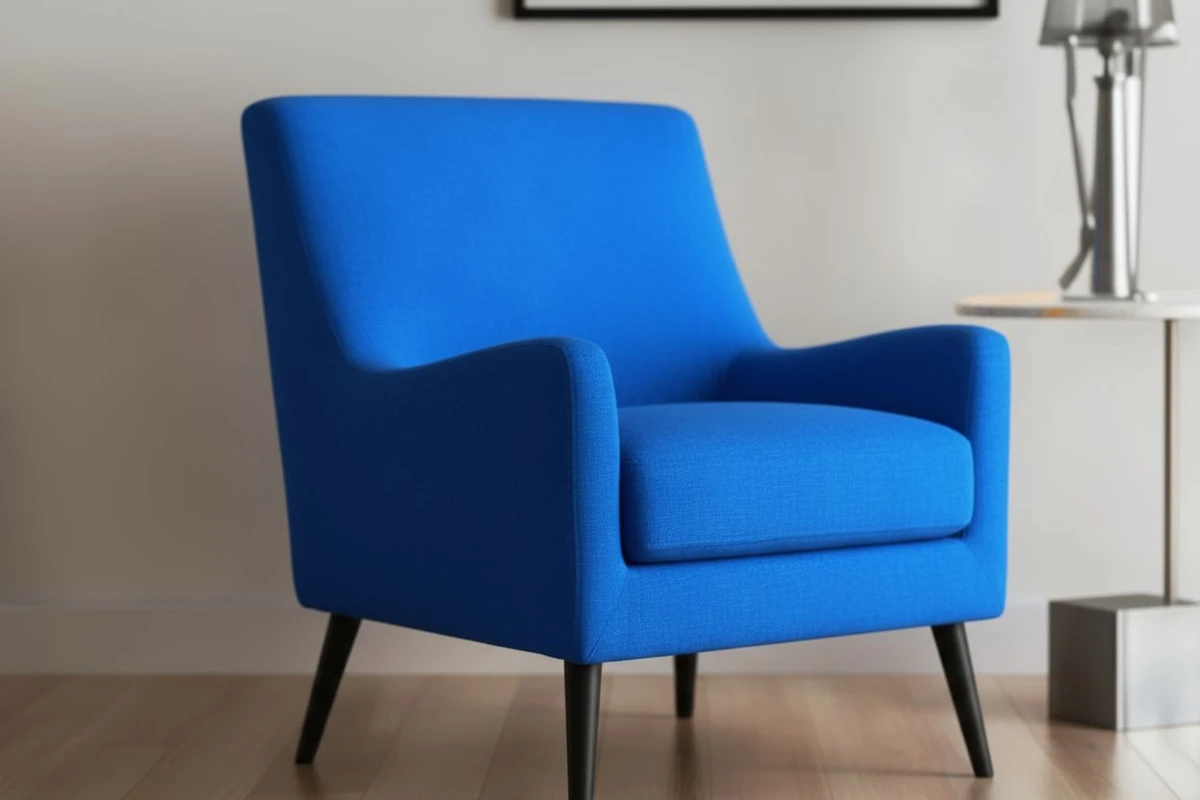
Enjoy Details, Texture Leaps Before Your Eyes
AI intelligently enhances product images, accurately restoring fabric texture, metallic luster, and material details. Makes e-commerce product photos present near-real physical texture, significantly increasing customer trust and purchase conversion rates.
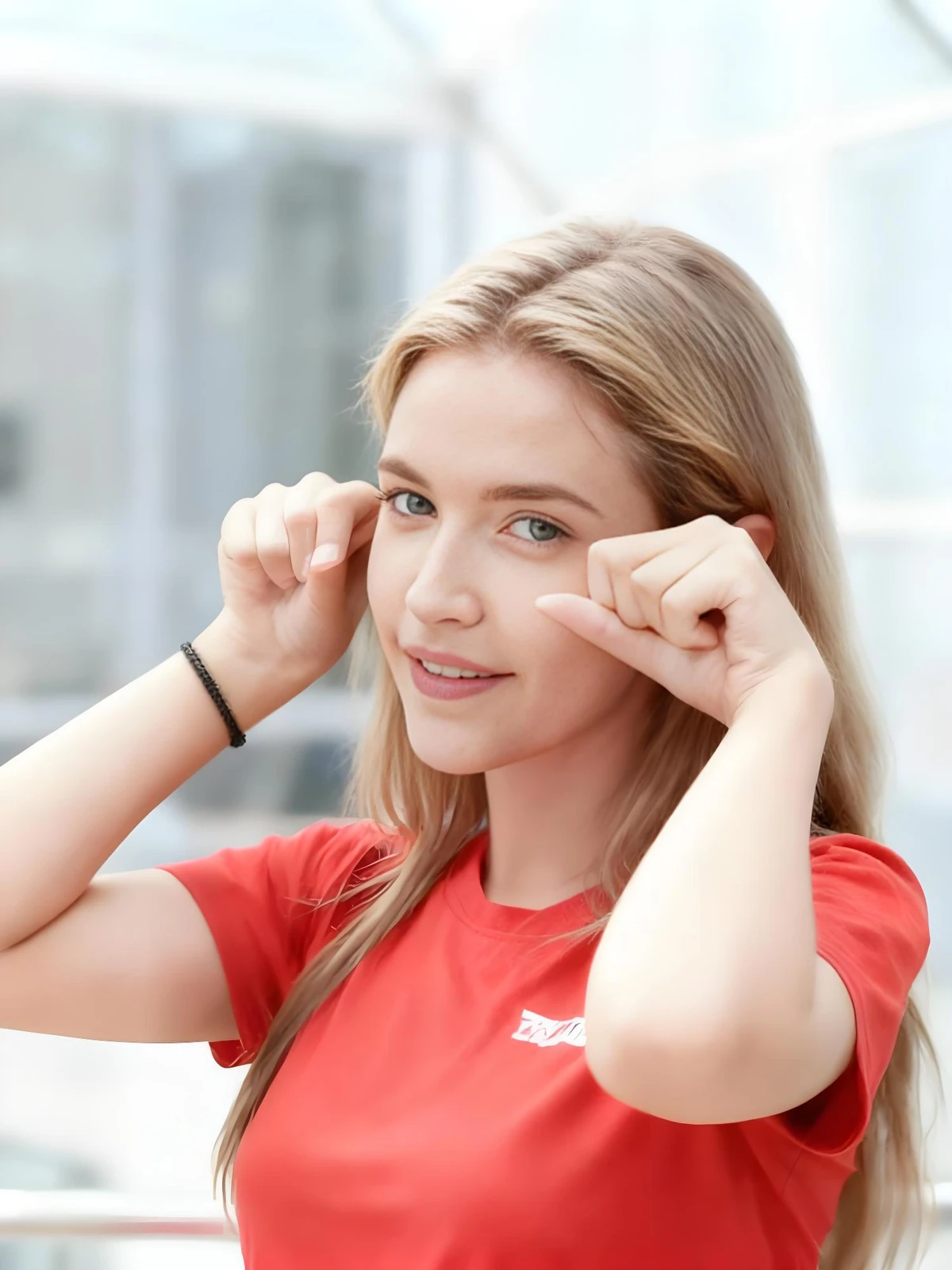
Revitalize Appearance, Treasure Every Moment
Based on face recognition technology, intelligently optimizes skin texture and facial contours. While maintaining personal characteristics, makes every portrait present professional-grade quality, freezing the most moving moments.
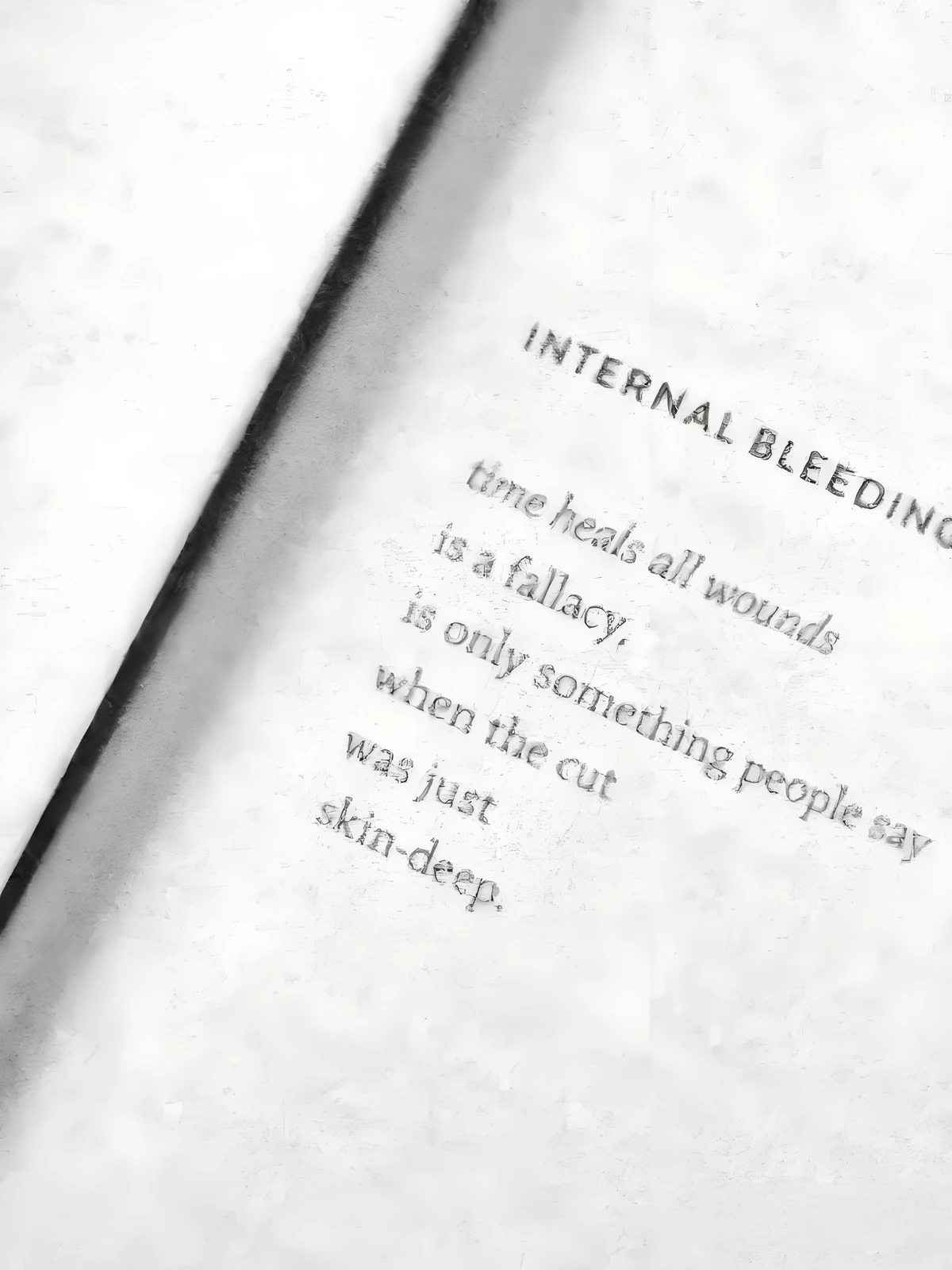
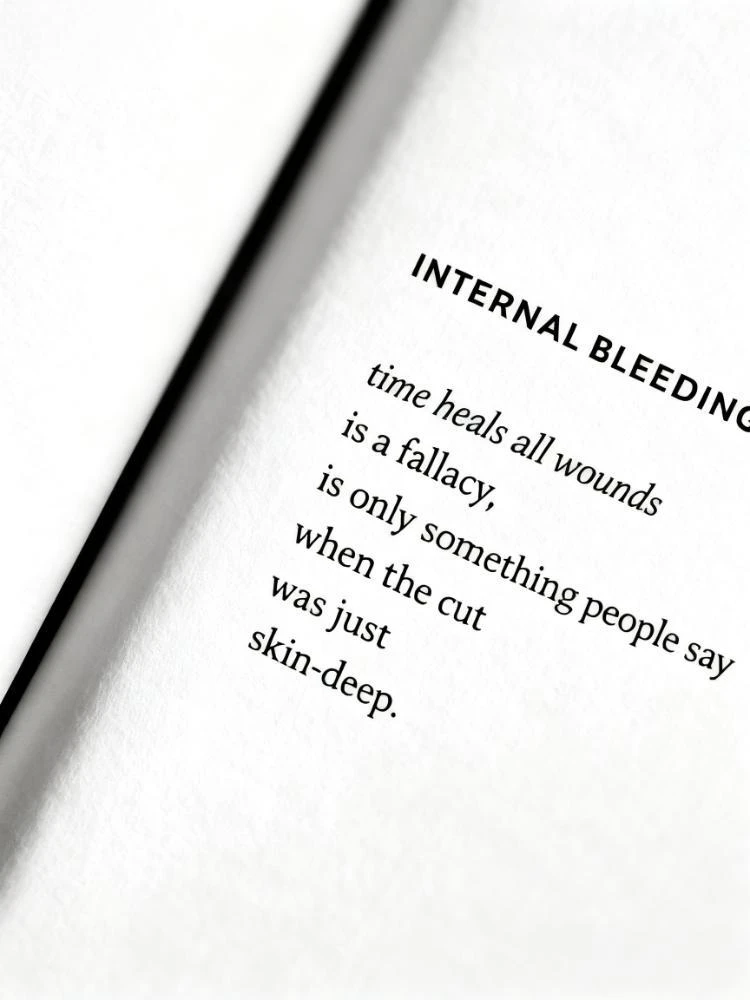
Reshape Text, Information Clearly Visible
Enhancement algorithms designed specifically for documents and screenshots effectively repair blurred text edges. Makes important information clear again, perfectly meeting data archiving and knowledge sharing needs.


Pixel Rebirth, Details Perfectly Reproduced
Break through resolution limits and reconstruct image details through intelligent algorithms. Converts blurred low-pixel images into HD pictures, perfectly solving the problem of image enlargement distortion.
Transform Your Images in 4 Easy Steps
Experience a seamless AI-driven image editing process
Step 1: Upload Image
Click the upload button and select the image you need to enhance from your computer or mobile device to start the HD processing flow.
Step 2: Write Prompt
For the best enhancement results, clearly explain your optimization needs to the AI. For example: "Improve hair details and skin texture of the portrait", "Enhance edge sharpness and material representation of the building", "Restore stroke clarity of document text".
Step 3: Select Model
Nano focuses on facial features and skin texture optimization; Flux specializes in document and print clarity processing; Qwen provides balanced enhancement of details and textures for various images; Seedream targets specific noise and blur optimization for old photos.
Step 4: Download Image
After confirming the quality is satisfactory, click download or right-click to save the image as new to get the HD watermark-free image for free, supporting up to 4K ultra-HD output.
Why Choose Our AI Image Editor?
Discover the advantages that make our platform the smart choice for AI-driven image editing:
Customize Quality, Control Effects
Input your clarity requirements, and AI intelligently enhances image details. Whether improving resolution or fixing blur, it can be precisely achieved, making every picture present ideal quality.
Use Original Images, Get HD Versions Instantly
No professional equipment needed; ordinary pictures can look brand new. AI intelligently improves quality and details, restoring blurred images to HD texture to meet professional needs.
Diverse Models, Zero Threshold Operation
Provides exclusive enhancement models for different types such as portraits, scenery, and text. Select with one click to get professional results without any technical background.
No Installation or Registration, Use Immediately
Complete the entire process online without downloading or installing. Open your browser to enjoy professional-grade quality enhancement services and process various images at any time.
AI Intelligent Enhancement, Lossless Quality Upgrade
Uses intelligent super-resolution algorithms to perfectly retain original image texture while increasing resolution. The enlarged images are rich in detail without any trace of distortion.
Simplified Operation, Guaranteed Output
Just three steps: upload, tell AI to enhance, and generate. The process is simple and efficient, and the output quality is stable and reliable.
Full Type Coverage, Handle Any Scenario
Supports enhancement of various images such as portraits, landscapes, documents, and products. AI can intelligently optimize and present the best quality regardless of the scenario.
AI Detail Recognition, More Perfect Quality
Accurately identifies and enhances key image details, maintaining a natural look while improving quality. Makes every detail appear clear and the overall picture coordinated and unified.
Start Making Your Images HD Now
Join thousands of creators using AI for fast editing