AI Background Remover
Upload Image
Upload an image for AI background removal
Recent Tasks
Prompt:Cut out this bag
Prompt:Cut out the person in the picture
Prompt:Cut out the pet in the picture
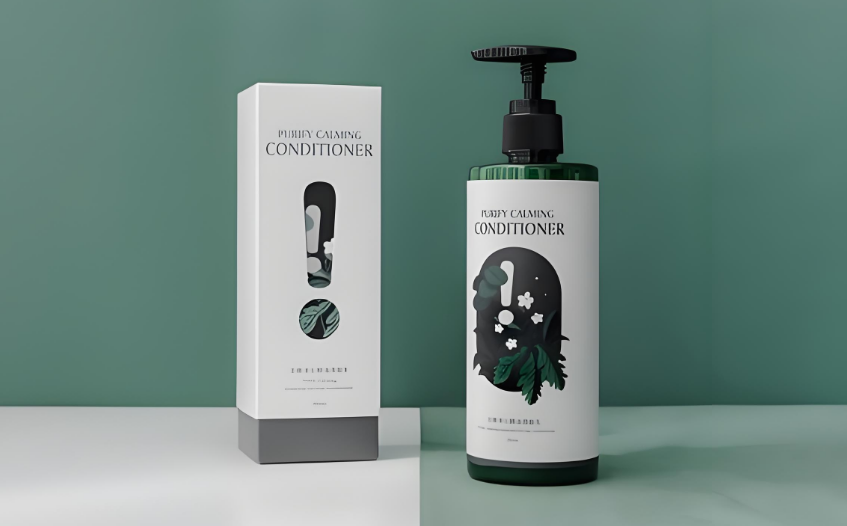
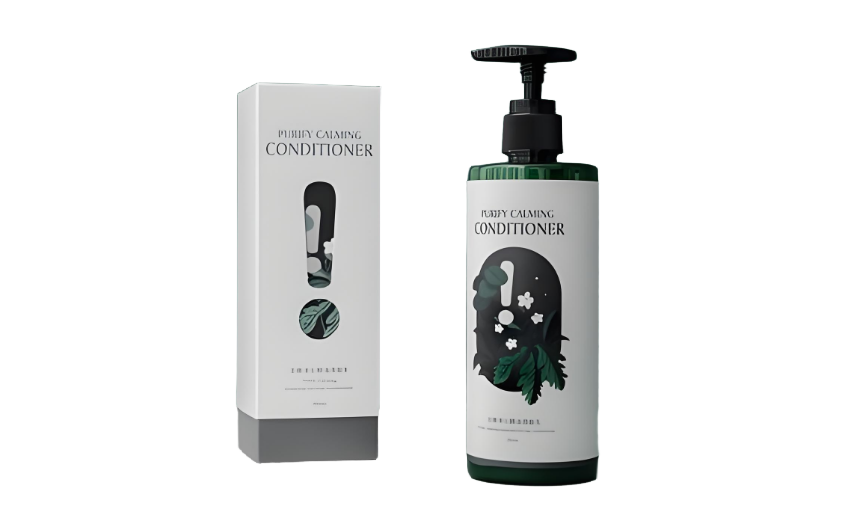
Smart Product Cutout, E-commerce Design Tool
AI accurately identifies product contours, perfectly retaining details and shadows. Whether jewelry or home goods, it achieves professional background removal effects, making products stand out on e-commerce platforms and advertising designs.


Precise Portrait Cutout, Best for Art Creation
Smartly identifies hair and complex clothing edges, perfectly retaining human expressions. Suitable for portrait creation, poster design, and other scenes, allowing characters to blend naturally with any background, displaying artistic beauty.


Exclusive Pet Cutout, Capture Lively Moments
Precisely captures pet fur and dynamic contours, not missing even the finest whiskers. Whether a house pet or a show dog, it perfectly extracts the subject, preserving the most vivid pet images.
Precise Icon Cutout, Speed Up Design Work
Optimized for graphic icons, smartly identifying sharp edges and complex curves. Maintains vector-level precision, greatly improving efficiency in UI design, brand visuals, and more, making designs more professional.


Professional Car Cutout, Essential for Commercial Photography
Precisely handles metal reflections and complex structures, perfectly retaining vehicle lines. Suitable for commercial scenes like car advertisements and product brochures, showcasing the ultimate beauty of automotive industrial design.
Transform Your Image in 4 Easy Steps
Experience the seamless AI-driven process for image editing
Step 1: Upload Image
Click the upload button to select the image you need to process from your computer or mobile device to instantly start the precise background removal process.
Step 2: Write Prompt
To get the ideal cutout effect, please clearly state specific requirements. For example: 'Precisely separate hair from complex background', 'Completely retain the transparent texture of glassware', 'Carefully handle pet fur edge details'.
Step 3: Select Model
Nano focuses on complex contours and semi-transparent objects, Flux excels at hair-level cutout and limb edge optimization, Qwen specializes in sharp product edges and shadow retention, Seedream balances various daily cutout needs.
Step 4: Download Image
After confirming the cutout effect is satisfactory, click download or right-click to save the image as, to get a high-definition transparent background image for free, immediately available for design and creative scenarios.
Why Choose Our AI Image Editor?
Discover the advantages that make our platform the smart choice for AI-driven image editing:
Control Cutout as You Wish, Custom Effects
Just specify the processing needs, and AI will precisely separate the subject from the background. Whether retaining hair details or transparent materials, it can be achieved as needed, making every cutout satisfactory.
No Professional Skills Needed, Instant Transparency
Get professional cutout effects without mastering complex design software. Simply upload the image, and AI smartly identifies subject edges, outputting high-quality transparent background images ready for use.
Diverse Models Selection, Zero Threshold Operation
Provides exclusive optimization models for different subjects like portraits, products, and pets. Select with one click to get the best cutout effect, requiring no technical background.
No Installation or Registration, Use Immediately
Complete the entire process online for free without downloading or installing any software. Open the browser to enjoy professional background removal services and process various images anytime, anywhere.
AI Smart Recognition, More Precise Edges
Uses smart edge detection algorithms to precisely identify subject contours. Even with complex hair or semi-transparent objects, it achieves clean and neat separation effects.
Simplified Operation, Guaranteed Output
Achieve perfect cutout in just three steps: upload, tell AI the cutout items, and generate. The process is simple and efficient, with stable and reliable output quality meeting professional design needs.
Full Subject Coverage, Choose Any Type
Supports background removal for all types of subjects including portraits, pets, products, and architecture. Whether simple or complex scenes, AI can process them precisely, meeting diverse creative needs.
AI Detail Recognition, Perfect Texture Retention
Smartly identifies and retains fine details like hair and fluff, completely presenting material textures. Keeps the subject in a natural state after cutout, with smooth and clear edge transitions.
Start AI Background Removal for Free Now
Join thousands of creators using AI for fast editing