Image to Text
Upload Image
Upload an image to generate a corresponding text description
Prompt
Please enter specific requirements for the text description (e.g., style, details, etc.)
0/200
Recent Tasks
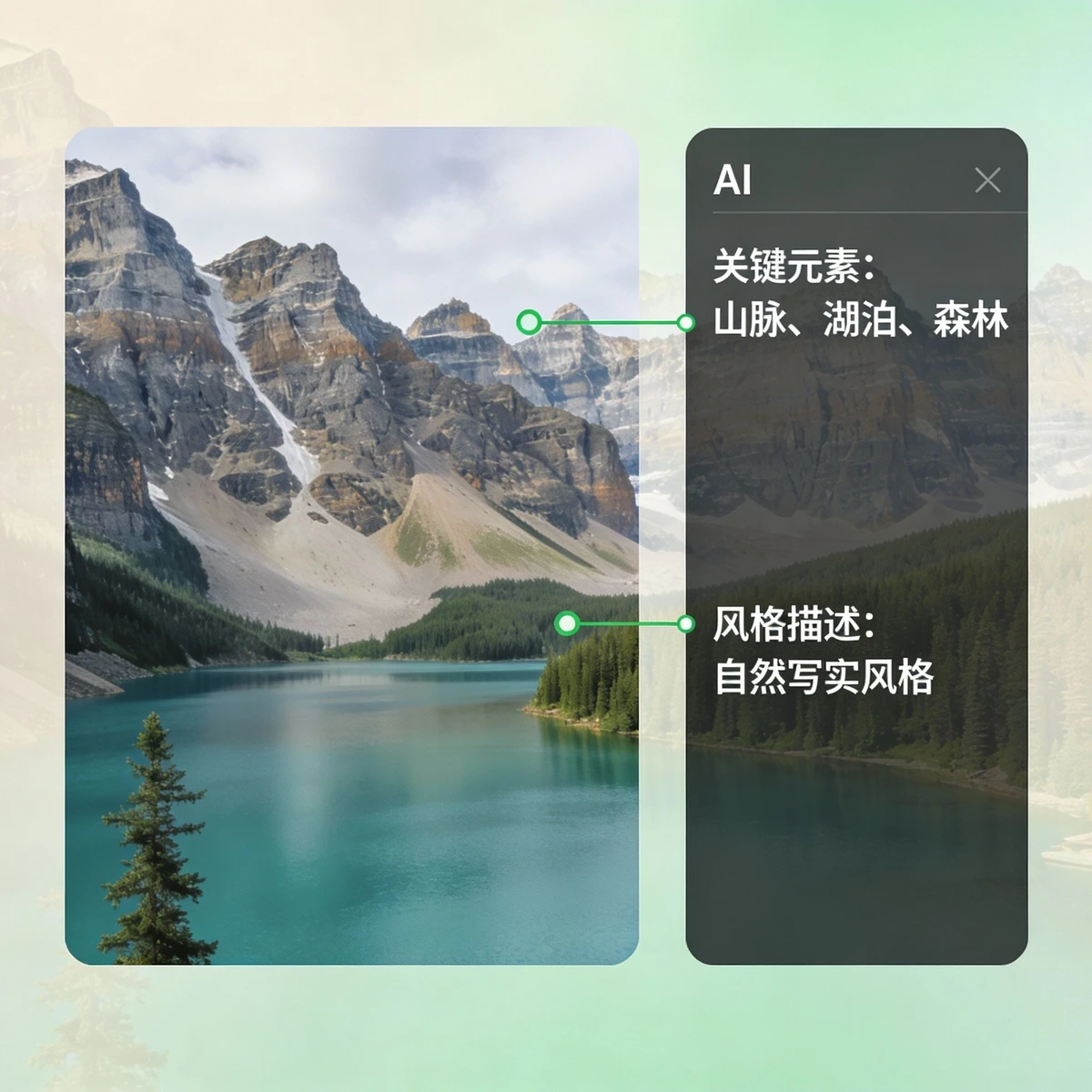
Landscape Image to Text: Precise Description of Natural Scenery
Intelligently convert landscape images to precise text via AI, including descriptions of mountains, rivers, vegetation, and other elements. Provides multi-style natural landscape text expressions to help with creation!
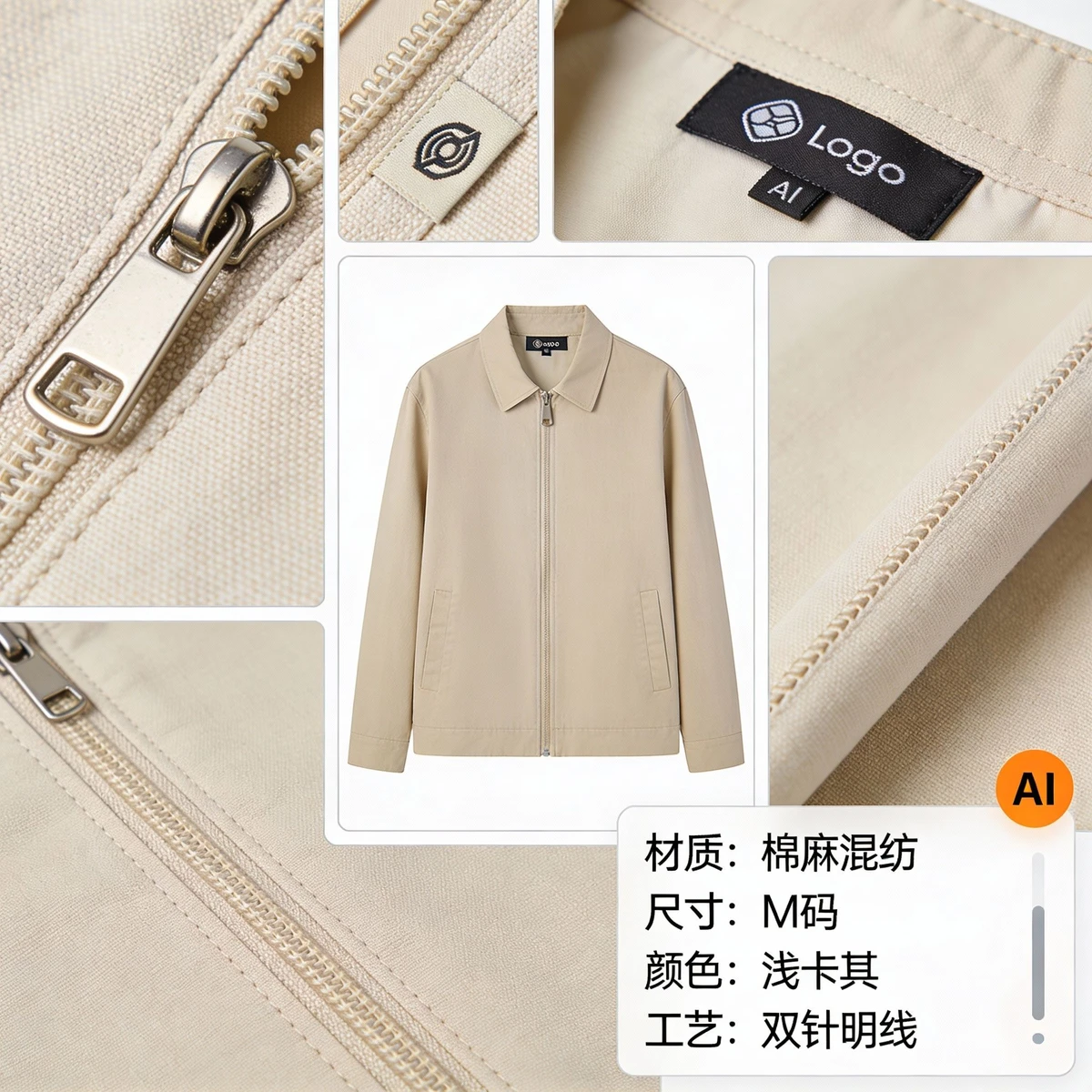
Product Image to Text: Precise Description of Item Features
Professional product conversion function! From product packaging and item appearance to detail features, AI can generate precise product description text, providing multi-style expressions to help you quickly obtain text materials!
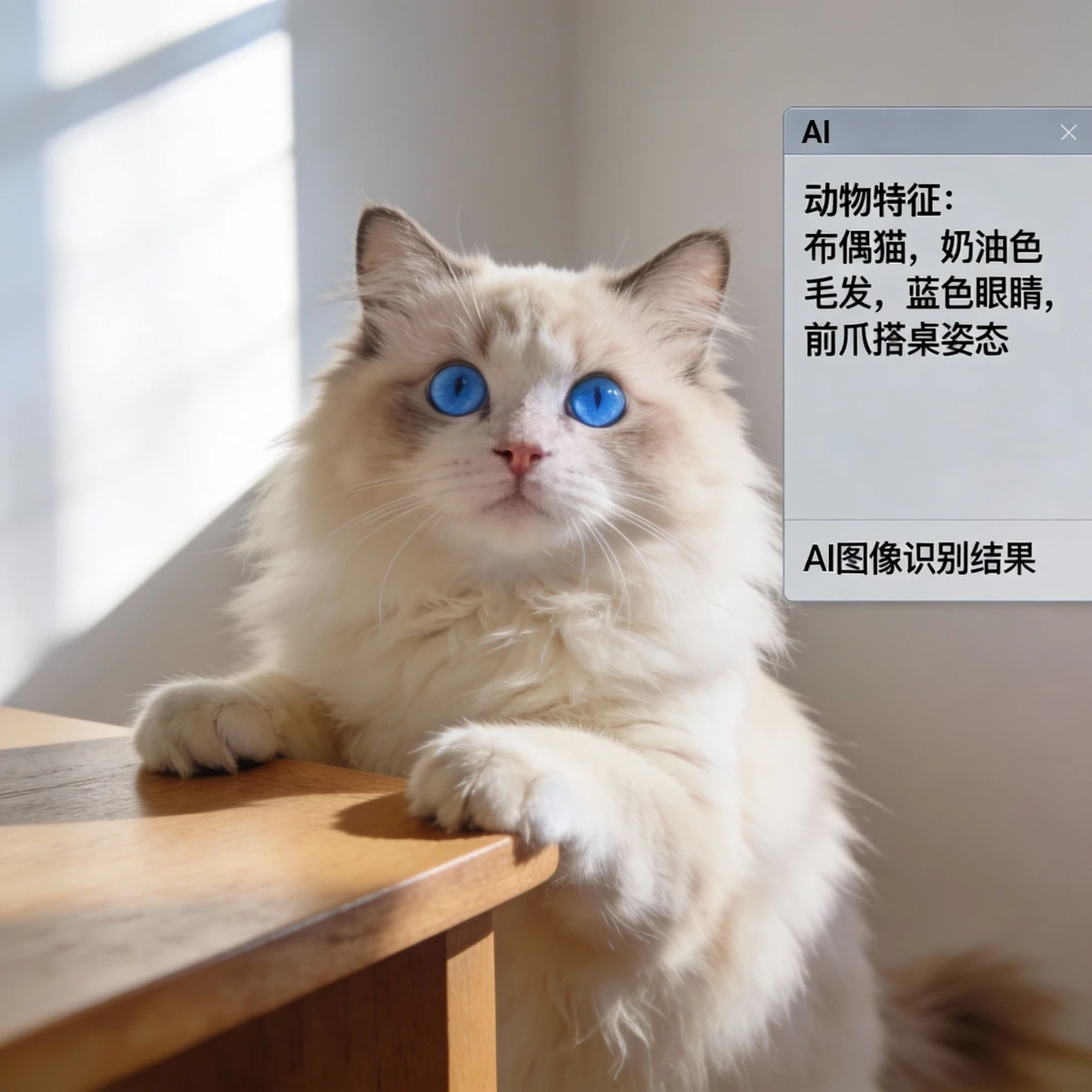
Animal Image to Text: Vivid Description of Biological Features
Professional animal conversion function! AI can convert animal images into vivid text, including mammals, birds, aquatic creatures, etc., providing species feature descriptions to help with content creation!
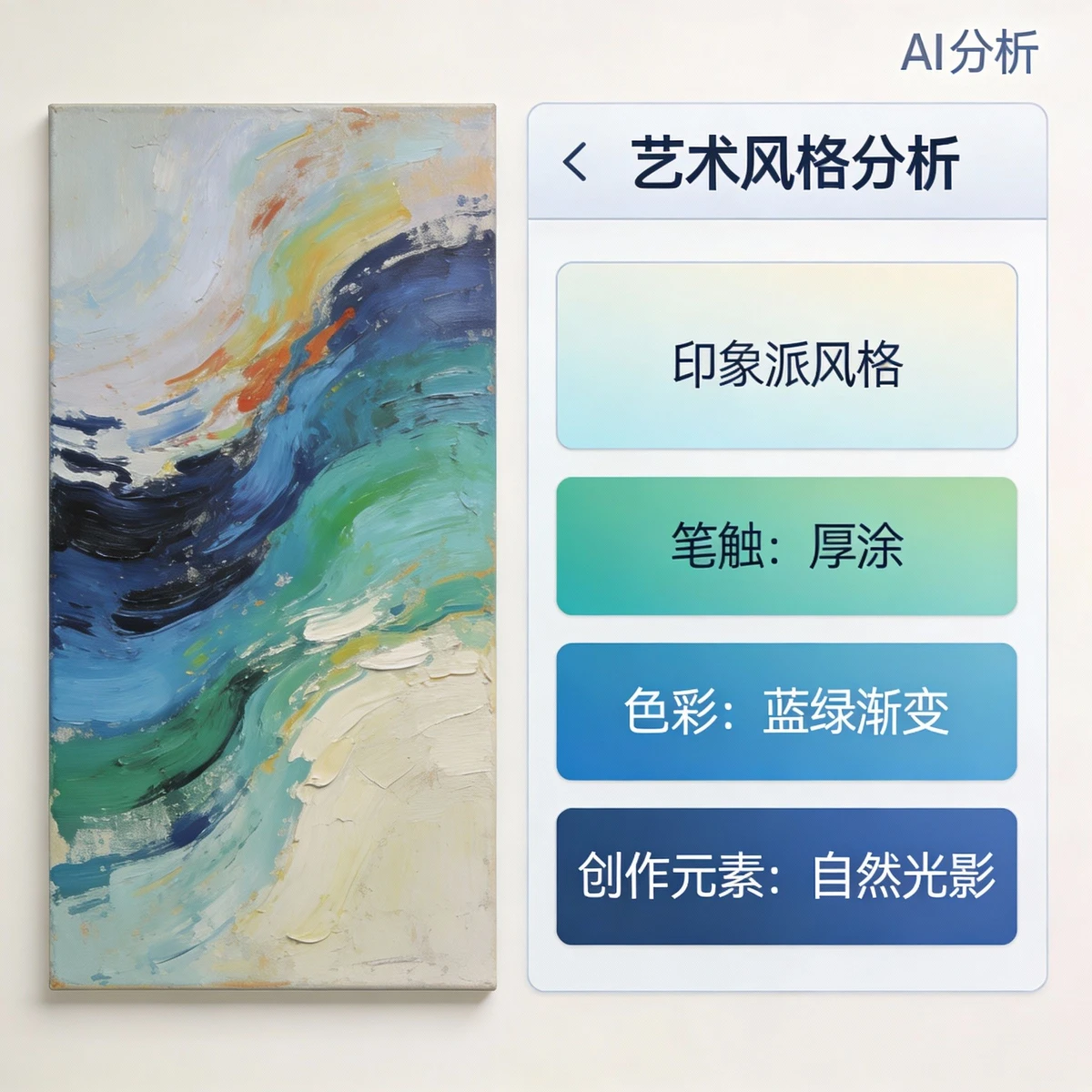
Art Image to Text: Precise Extraction of Artistic Features
Convert art images into professional text! AI can precisely extract styles, elements, and techniques from artworks, generating text that fits artistic expression to help with creative reference!
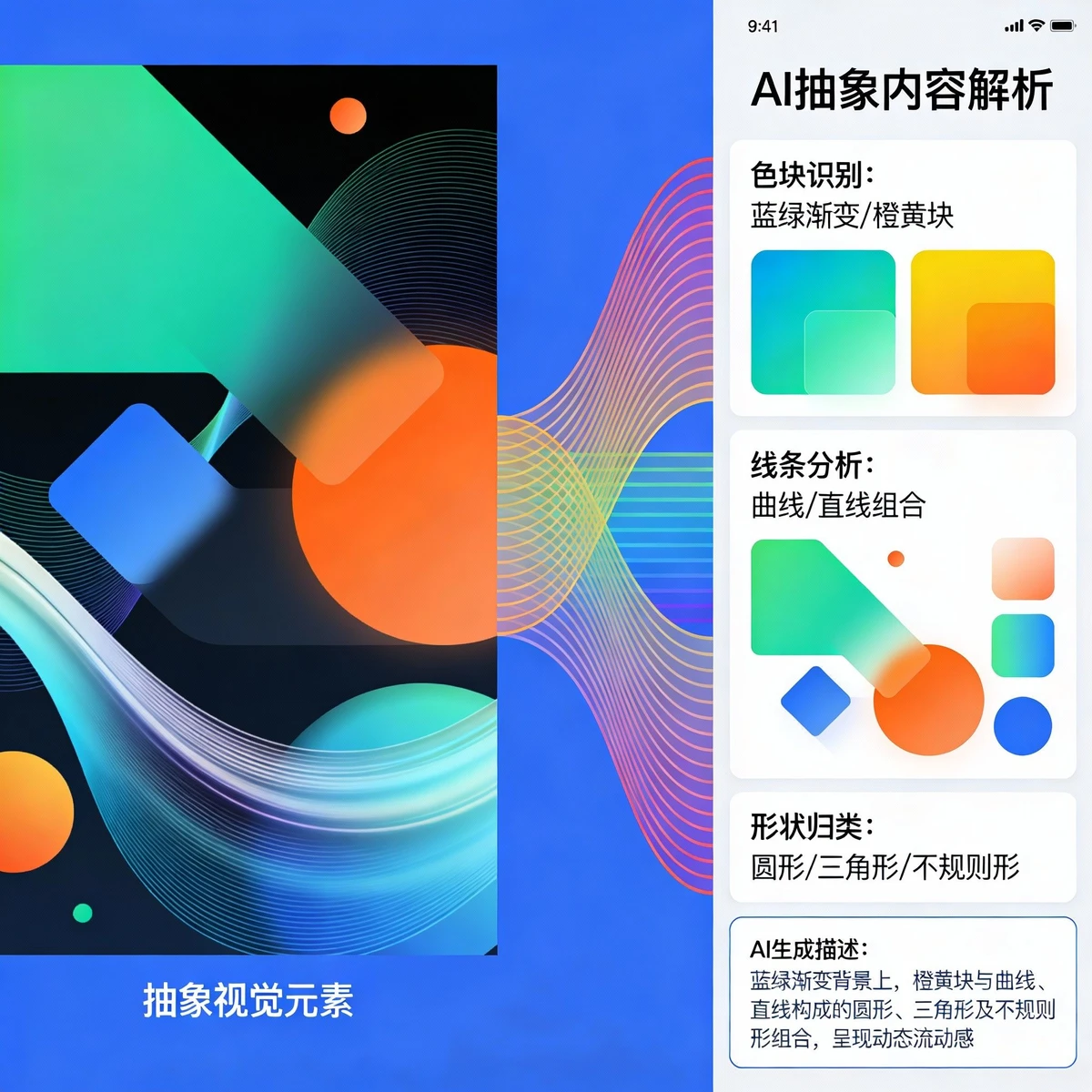
Abstract Image to Text: Parsing Abstract Elements
Optimize and convert abstract images to text! AI can process abstract and blurry images, precisely parsing elements and expressions within to generate text that fits abstract art!
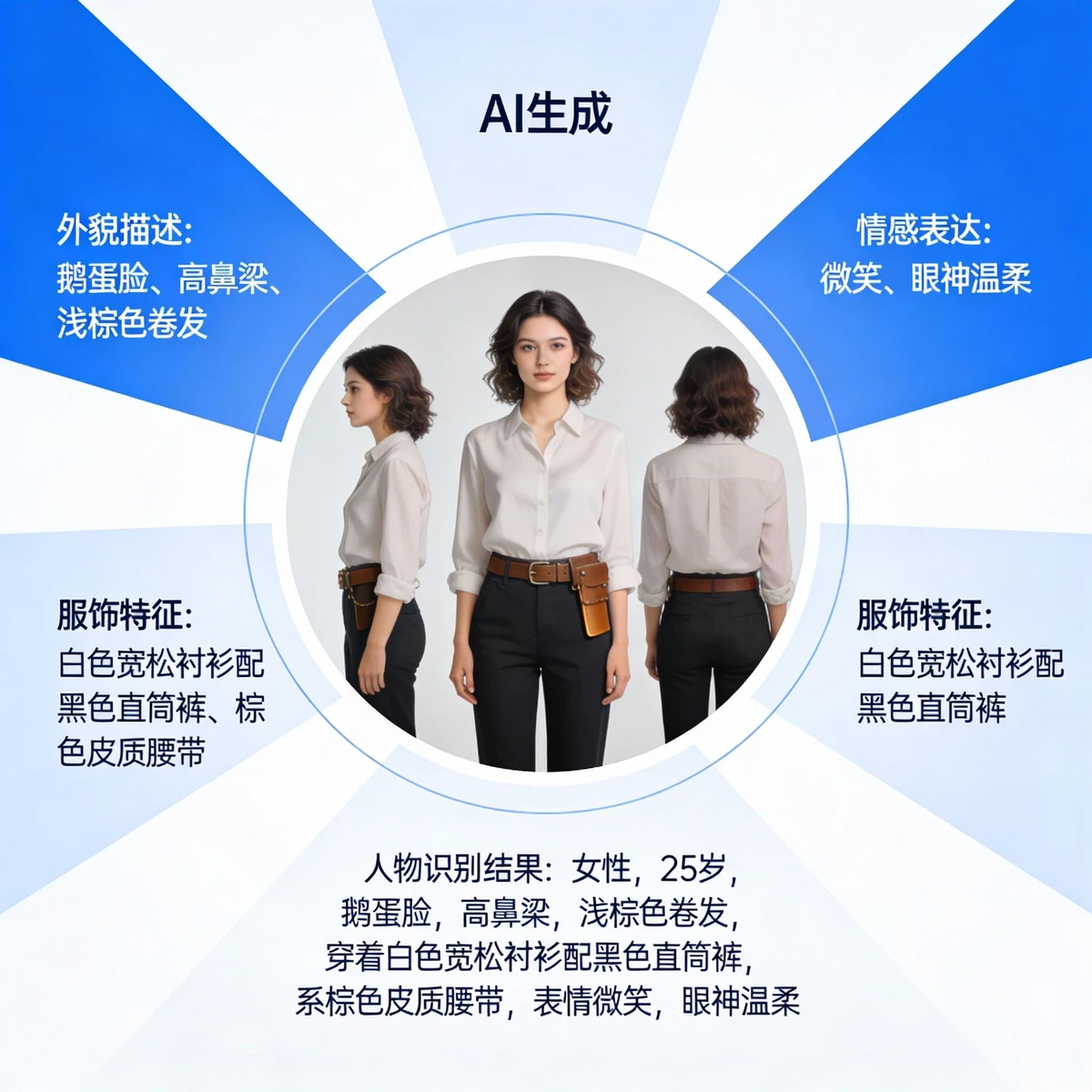
Person Image to Text: Vivid Description of Character Features
Convert person images into precise text! AI can precisely recognize person photos from various angles, generating text including appearance, posture, and emotion to accurately express character features!
Convert Image to Text in 4 Easy Steps
Experience the AI-driven image to text process
Step 1: Upload Image
Click the upload button to select the image you need to convert from your computer or mobile device. Supports multiple image formats.
Step 2: Text Style Description
For ideal results, please provide text style requirements to the AI. Include style type, level of detail, etc., for example: "Generate a detailed text description including composition, lighting, and content details."
Step 3: Select Model and Parameters
Choose the AI model that suits your needs. TextGen is suitable for general text descriptions, ArtText for art styles, PhotoText for photo styles, and DesignText for the design field.
Step 4: Get and Use Results
After confirming settings, click the convert button, and the AI will generate the corresponding text based on the image. The system will display text descriptions in multiple styles for you to choose from!
Why Choose Our Image to Text Tool?
Discover the advantages that make our platform the smart choice for image to text:
Image to text, so simple
Just upload an image and briefly describe the style. From natural landscapes to portraits, from artworks to products, AI can generate precise text.
Multi-style generation, meeting all needs
Supports generating text in realistic, cartoon, abstract, art, and other styles. Handles clear images, blurry images, and various scenarios to meet whatever needs you have.
Efficient conversion, saving valuable time
Complete image-to-text conversion in seconds, significantly shortening text creation time so you can quickly get the descriptive content you need.
Free to use, no professional skills needed
No professional knowledge required, no complex software installation needed. Achieve precise image-to-text conversion in a few simple steps, making image-to-text accessible to everyone.
High precision, reliable results
AI-generated text has high precision and clear details, offering multiple style options to ensure the reliability and utility of conversion results.
Simple operation, easy to master
Intuitive interface design and simple operation flow. Just upload an image and optionally add style requirements to get precise text results.
Multi-scene support, strong adaptability
Supports diverse scenarios such as clear images, blurry images, frontal shots, profile shots, art images, and product images. Conversion capability is not limited by image conditions.
Comprehensive information, widely applicable
Generated text includes comprehensive content such as basic object information, feature details, and style descriptions, suitable for various legitimate personal and non-commercial uses.
Start Converting Images to Text Now
Use the Image to Text tool to achieve precise image-to-text conversion